

Social posts · Get started
Your next great post starts here
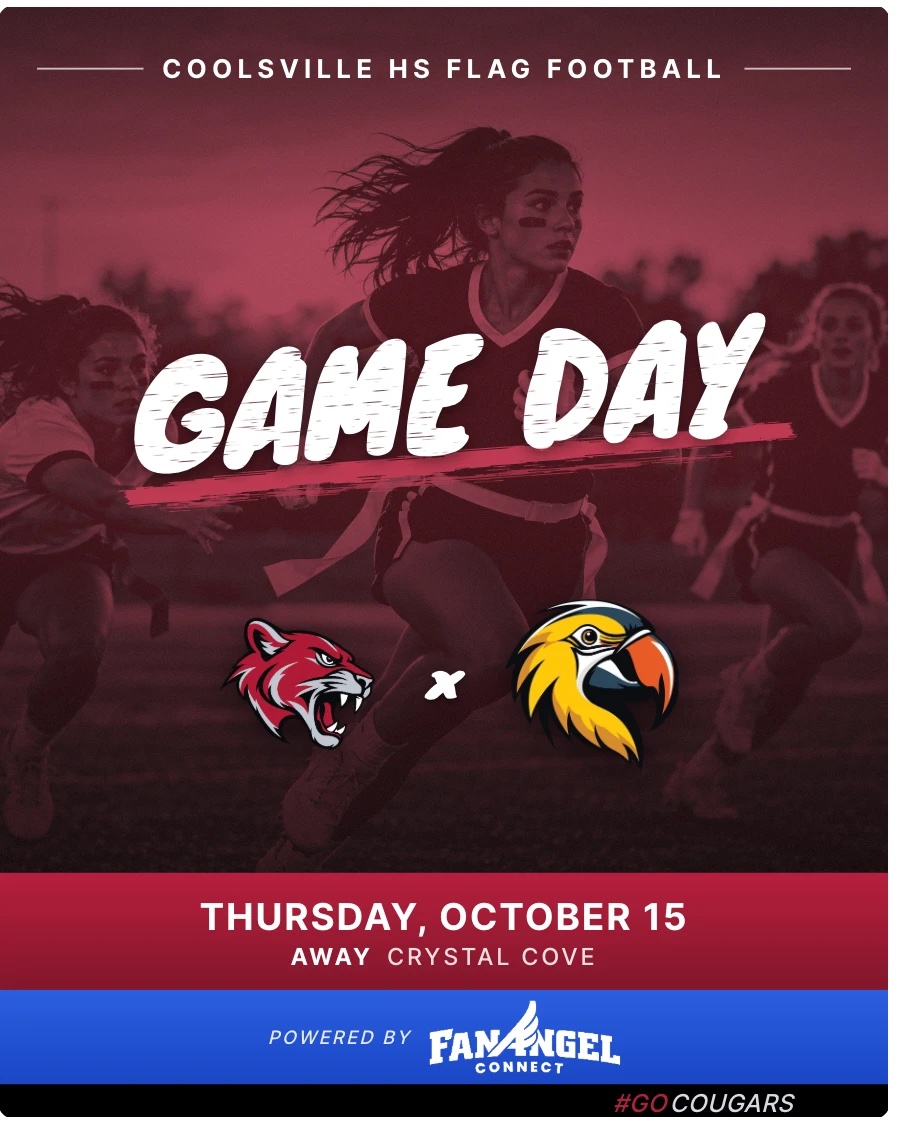
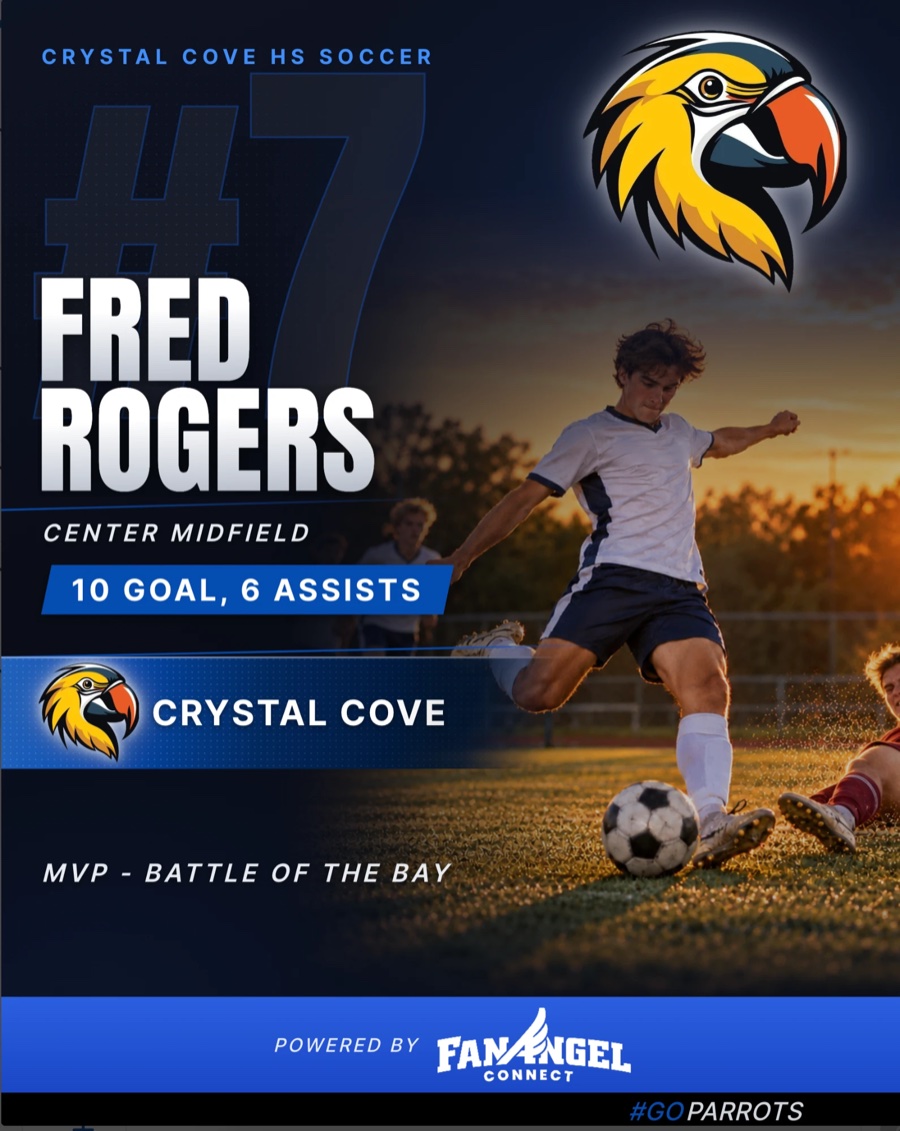
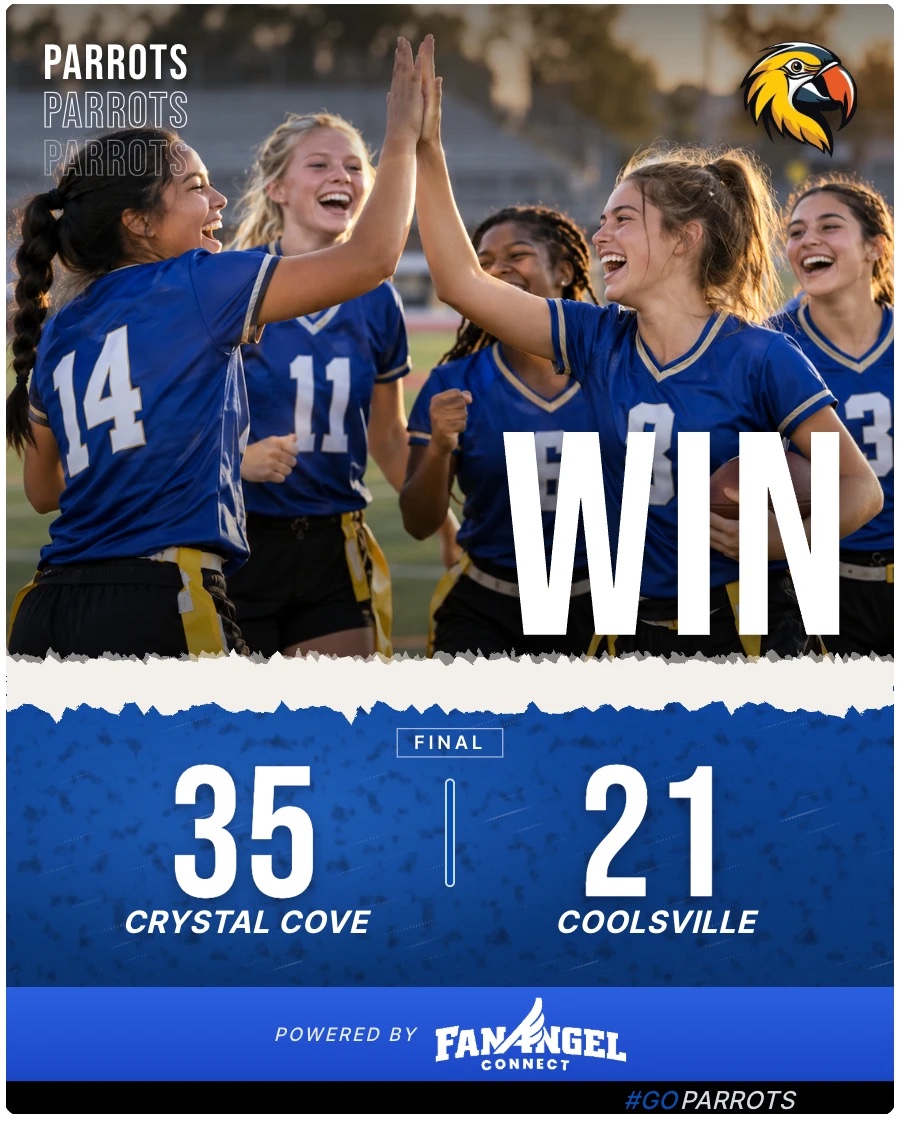
Create game-day graphics, celebrate your players and share your team’s biggest moments with FanAngel Connect.
Get started in your browser, or download the app for iPhone or Android.


Free to get started. All templates—including Premium—are included during beta.
Already have an account and a team? Sign in and skip to step 3.
Setting up a school, league or organization?
We’ll help you get started with a free central dashboard to manage your teams and create social posts across your organization.
Already have teams using FanAngel? Tell us which ones when you request setup.
Request Free Setup →How to get started
1
Create your account
Open FanAngel Connect and create an account. You can continue with Google or sign up with your email.
2
Create or join your team
From My Teams, select Create a team and enter your team’s details. If your team is already on FanAngel Connect, join that team instead.
3
Open your team’s News
On My Teams, find the team you want to post about and select News.
4
Select the + button
You’ll find it in the lower-right corner of the News screen.
5
Select Social Post
Choose the kind of post you want to create, complete the details and select Start post. Then choose a design and customize your photo, text and details.
Create now. Connect social accounts later.
You don’t need to connect Facebook, Instagram or X to create a post. Download your finished image or use your phone’s sharing options. Connect your social accounts whenever you’re ready to publish directly.
Don’t see the Social Post option? Ask your team administrator for posting access.


